
You May Be Paying for Tools You Don’t Use
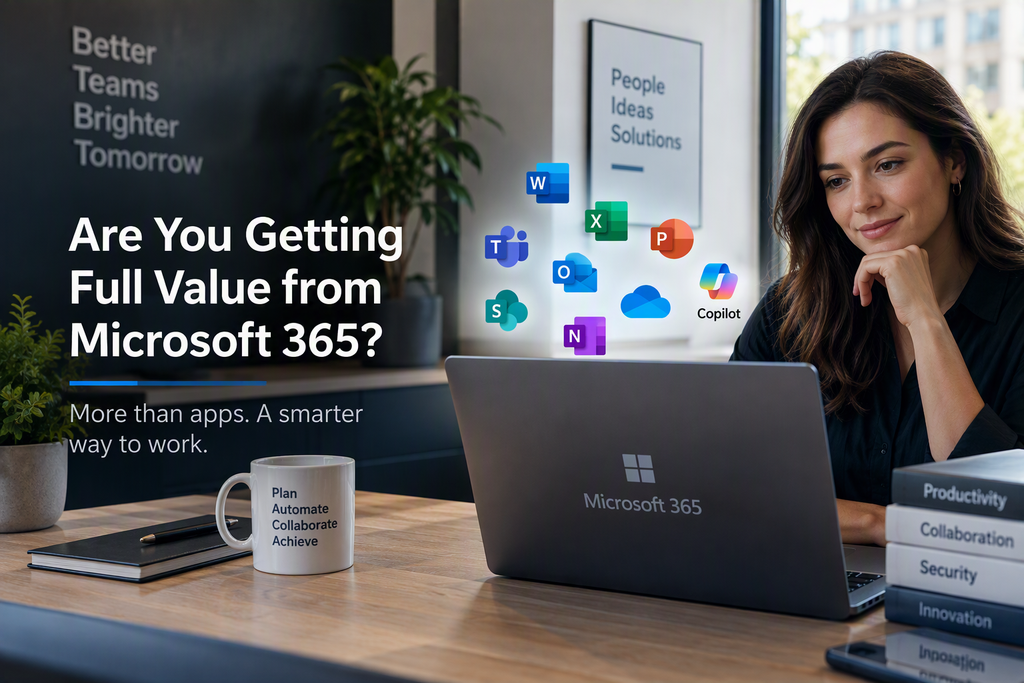
Microsoft 365 now offers far more than email and Office apps, yet many businesses use only a fraction of their subscription. Teams depend on Outlook, Word, and Excel while overlooking valuable tools for collaboration, security, automation, data management, and AI.
As a result, businesses pay for features that could boost productivity, security, and efficiency without realising their full return on investment.
The real question is not whether you have Microsoft 365, but whether you are getting full value from it.
The Cost of Underusing Microsoft 365
Many organisations invest heavily in technology but underuse the tools they already have.
Common warning signs include:
- Documents scattered across local drives and email attachments
- Teams using third-party tools that duplicate Microsoft 365 functionality
- Manual processes consuming hours of staff time
- Limited security controls exposing the business to unnecessary risk
- Employees unaware of the tools already available to them
These issues reduce productivity while software costs continue to rise.
What Most Businesses Use
For many organisations, Microsoft 365 usage is limited to:
✅ Outlook for email
✅ Word for documents
✅ Excel for spreadsheets
✅ Teams for meetings
These tools are essential, but they represent only a small part of the platform’s capabilities.
Features Your Subscription May Already Include
SharePoint Online
SharePoint offers a secure, central location for company files, policies, procedures, and teamwork.
Key benefits include:
- Document version control
- Secure file sharing
- Company intranet sites
- Automated approvals and workflows
- Improved search and document management
Instead of searching through email attachments, staff can work from one reliable source.
OneDrive for Business
OneDrive is more than cloud storage. It provides:
- Automatic file backup
- Secure remote access
- File recovery
- Version history
- Secure sharing with clients and partners
For businesses that still store files mainly on desktops, OneDrive can greatly reduce the risk of data loss.
Microsoft Teams
Many organisations use Teams mainly for video meetings.
Yet Teams can also serve as:
- Department collaboration spaces
- Project management hubs
- Shared file access
- Internal knowledge bases
- Integration with hundreds of business applications
A well-designed Teams environment can substantially reduce email traffic.
Power Automate
How many hours do employees spend on repetitive tasks each week?
Power Automate can streamline:
- Approvals
- Employee onboarding
- Service requests
- Invoice processing
- Document routing
- Notifications and reminders
Even basic automations can save hours of administrative work each month.
Microsoft Forms
Often overlooked, Forms makes it easy to create:
- Customer surveys
- Staff feedback forms
- Health and safety checklists
- Service request forms
- Event registrations
Responses can flow directly into Excel, SharePoint, Teams, or Power Automate.
Microsoft Lists
Lists offers a straightforward way to manage:
- Asset registers
- Customer onboarding
- Project tracking
- Maintenance schedules
- Risk registers
- Action item tracking
Many businesses still rely on complex spreadsheets for these tasks when Lists may be a more effective option.
Are You Using Microsoft 365’s Security Features?
Cyber threats are growing, yet many businesses leave Microsoft 365 security features disabled or poorly configured.
Depending on your licence, you may already have:
Multi-Factor Authentication (MFA)
A highly effective safeguard against account compromise.
Conditional Access
Controls who can access company resources, under what conditions, and from where.
Microsoft Defender
Advanced protection for users, email, devices, and business data.
Data Loss Prevention (DLP)
Helps prevent accidental sharing of sensitive information.
Secure Email Controls
Helps defend against phishing, malware, spoofing, and business email compromise.
A cyber incident can cost far more than properly configuring these protections.
The AI Opportunity: Microsoft 365 Copilot
Microsoft 365 Copilot may be one of today’s greatest productivity opportunities.
Integrated with Microsoft 365, Copilot can help employees:
- Summarise meetings
- Draft professional emails
- Analyse spreadsheets
- Create presentations
- Generate reports
- Find information faster
Businesses that adopt AI effectively can improve productivity across administrative, management, and operational work.
Organisations that build these skills now can gain a future advantage.
Questions Every Business Should Consider
Ask yourself:
- Are all your licences being used effectively?
- Are staff trained on the tools available to them?
- Have security features been fully implemented?
- Are repetitive processes still being handled manually?
- Is your file management strategy modern and secure?
- Could AI help employees work more efficiently?
- Are you paying for third-party solutions that Microsoft 365 already includes?
If you answer “I’m not sure” to any of these questions, your environment may hold significant untapped value.
Final Thoughts
Microsoft 365 is more than email and Office apps. It is an integrated platform for productivity, collaboration, security, and automation.
For most organisations, the challenge is not buying the technology but using it effectively.
By assessing your environment, identifying underused features, and aligning Microsoft 365 with business goals, you can boost productivity, strengthen security, and reduce unnecessary costs without buying more software.
Is Your Business Getting Full Value from Microsoft 365?
A Microsoft 365 assessment can reveal opportunities to improve collaboration, strengthen security, automate processes, and increase the return on your current investment.
You may already own the solution. Are you making full use of it?
About Supima Technologies
Supima Technologies helps South African businesses maximise their Microsoft 365 investment through licence optimisation, security assessments, SharePoint solutions, business automation, Copilot adoption, and managed IT services. Contact us to explore what your current Microsoft 365 environment can deliver.