
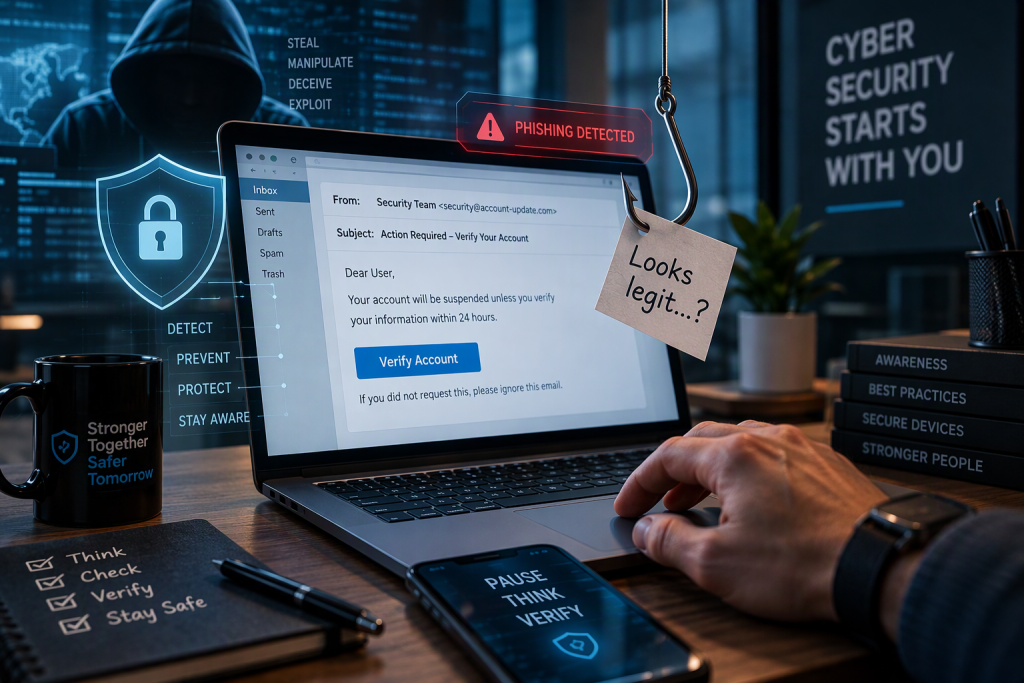
In three recent real-world incidents, phishing messages persuaded staff to hand over access to their Microsoft 365 accounts. Two users typed their password into a fake sign-in page. A third entered a code on a genuine Microsoft page and unknowingly authorised the attacker’s device.
The damage was contained each time. But in two of the cases the stolen password was correct, and a single network rule was all that stood between the attacker and the mailbox. That is too close for comfort.
The numbers tell the story:
- About 10 minutes of account access was gained by approving a single code on a genuine Microsoft page.
- 6 minutes passed between a password being typed into a fake page and an attacker signing in with it.
- About 7 hours was the age of the fake site’s domain when it was clicked, which was too new for any blocklist.
Here is what happened, why these attacks were so convincing, and the practical steps that protect your people and your business.
Not the phishing of the past
These were not badly written emails. Microsoft has publicly described criminal phishing-as-a-service platforms that use AI to tailor lures to a target’s role and produce convincing pages at scale. It has also warned that device-code phishing gives attackers access without ever seeing a password.
In two of the cases, the message came from a real supplier whose mailbox had been hacked. A known sender, a familiar thread and passing email-authentication checks do not make a message safe. And if your mailbox is compromised, your customers and suppliers are next.
The only reliable defence is simple: never type your password on a page opened from an email link.
Case 1: The code that opened the door
A known supplier’s mailbox had been hacked and was used to send a document containing a link. The link displayed a code, which the user entered on a genuine Microsoft sign-in page. No password was revealed, but entering the code authorised the attacker’s device to use the account directly.
The attacker had access for about ten minutes before Microsoft’s security systems detected it and the account was disabled. The organisation then blocked this sign-in method across the business.
The lesson: a genuine Microsoft page is not proof of a safe request.
Case 2: The reply in a trusted thread
A supplier’s hacked mailbox replied inside a genuine email conversation that had been running for months, adding a link. The link opened a fake Microsoft sign-in page, and the user entered their password there.
Within minutes, attackers tried to sign in with the correct password, and they kept trying for weeks. Every attempt was refused because it came from outside the approved network. The account was later disabled.
The lesson: a familiar conversation can be hijacked.
Case 3: The Teams look-alike
An email imitating Microsoft Teams arrived, personalised with the user’s own email address. The website behind the link had been created that same morning. The user opened the link and entered their password, and a colleague also opened it.
Six minutes later, an attacker signed in with the correct password, and a second address immediately tried to reuse the same session. Both were refused by the network restriction, and the account was disabled.
The lesson: brand-new sites slip past blocklists.
What protected them, and its limits
In all three organisations, a password-only sign-in was accepted only from approved network addresses. From anywhere else, Microsoft 365 demanded extra verification the attacker did not have. In Cases 2 and 3, that is what stopped them: the password was right, but the sign-in came from outside and was refused.
But the network restriction limited the damage. It did not prevent the theft. The password was stolen because a user typed it into a fake page. And it does not stop every technique: as Case 1 shows, an attacker who is handed an approved code never needs the password at all.
How to read a web address
Take this illustrative address, built on a reserved example domain:
- The padlock only means the connection is encrypted. It says nothing about who owns the site.
- The decoration at the front, words like “teams”, “microsoft”, “office” or “login”, can be used by anyone.
- The real owner is the part just before the first single “/”, read from the right. Here that is ms-live-signin.example, which is not Microsoft. The look-alike words “ms” and “live” are bait.
The link in the real incident followed the same pattern. It began with “teams”, contained “live”, showed a padlock, carried the page title “Sign in” and looked just like the Microsoft sign-in page. Its domain had been registered roughly seven hours before the click, so no security blocklist knew it yet.
What every user should do
- Read the address, not the logo. The owner is the part just before the first single “/”, read from the right. The padlock only means the connection is encrypted.
- Never enter a code you didn’t request. Even on a genuine Microsoft page, typing someone else’s code can give them your account. And never sign in from an email link: use your bookmark or app.
- Question unexpected links and documents. Do this even when they come from known customers and suppliers, even inside an existing conversation, and especially when you are not in the To or Cc field.
- Clicked or typed something? Report it straight away. Quick reporting is what limits the damage, and no one should be blamed for reporting.
How businesses can reduce the risk
- Phishing-resistant MFA: passkeys or security keys, as Microsoft recommends.
- Conditional access: so a stolen password on its own is never enough.
- Block device-code flow: Microsoft recommends blocking it wherever possible.
- Email and link protection: anti-phishing policies, link scanning and inbox-rule alerts.
- Ongoing awareness: current, realistic training, not just simulations.
- No-blame reporting: easy, safe reporting and a plan to contain accounts fast.
Key takeaways
- Network restrictions limit the damage, but they don’t stop the theft, or device-code phishing.
- Trusted senders, long-running threads and brand-new sites all slip past the usual checks.
- AI-powered phishing services make fake pages convincing and quick to produce.
- Phishing simulations help, but on their own they are not enough.
Make a stolen password worthless
Supima Technologies helps businesses strengthen Microsoft 365 security: MFA and phishing-resistant sign-in, conditional access, blocking device-code flow where it isn’t needed, user awareness training and a no-blame reporting culture.
Talk to us about where your business stands. Visit supima.co.za or call 011 789 4076, Monday to Friday, 08:00 to 16:30.
The incidents described are real-world examples that have been anonymised and generalised for awareness purposes. The web address shown is illustrative. Microsoft, Microsoft 365 and Microsoft Teams are trademarks of the Microsoft group of companies.